
Dreaming of breezing through airport lines without the stress? Imagine saving time and energy while others are stuck in never-ending queues.
The secret? Getting your hands on a Mobile Passport. This simple app can transform your travel experience, making your journey smoother and less stressful. Curious about how it works and how you can get one? You’re in the right place.
In this guide, you’ll uncover the step-by-step process to obtaining a Mobile Passport, so you can skip the hassle and enjoy your travels to the fullest. Ready to revolutionize the way you travel? Let’s dive in and get started!
Credit: www.aarp.org
Mobile Passport App Benefits
Traveling becomes easierwith the Mobile Passport app. This app helps you skip long lines at the airport. You can use it for customs and immigration. It’s free to download and use. The app is available on both Android and iOS. No need for paper forms anymore. Just enter your info into the app. This saves time and effort.
Your data stays safe. The app doesn’t store your information. It only keeps it for your current trip. After that, it deletes everything. This keeps your personal details private. You can trust the app with your travel info.
Using Mobile Passport means less stress. You get through lines faster. Spend more time enjoying your trip. It’s a helpful tool for all travelers.
Eligibility Requirements
U.S. citizens can get a Mobile Passport. It is easy to use. You need a smartphone. Download the app from the store. No need for long lines. Family members can use one phone. Just add them in the app. Children can be added too. No need for extra documents. Passports must be valid. Expired ones are not allowed. Airports accept Mobile Passport. Ports and cruise lines do too. Make sure to check your airport. Some may not support it. Travelers save time with this app. It is safe and quick.
Downloading The App
Start by searching for the Mobile Passportapp in your device’s app store. Make sure you find the correct version for iOSor Android. Once located, tap the download button. Wait for the app to install on your phone. Installation usually takes a few minutes. After installation, open the app. Follow the instructions to set up your account. Enter basic information like name and passport number. This is important for using the app later. The app helps with faster entry at airports. Make sure your phone is connected to the internet. You need internet to download and set up the app. Keep the app updated for the best performance.
Setting Up Your Profile
Start by downloading the Mobile Passport appfrom your app store. Open the app. Tap on “Create Profile“. Fill in your personal information. This includes your name, birth date, and passport number. Make sure everything is correct. Double-check each detail before saving. Next, take a photo. Use a clear picture. This photo will be linked to your profile. Ensure it meets the app’s guidelines.
After entering your info, tap on “Save Profile“. Your profile is now ready. You can use it when traveling. Keep your phone charged. You’ll need the app at the airport. It’s that simple. Fast and easy setup. Now, you’re ready for your next trip!
Using Mobile Passport At Airports
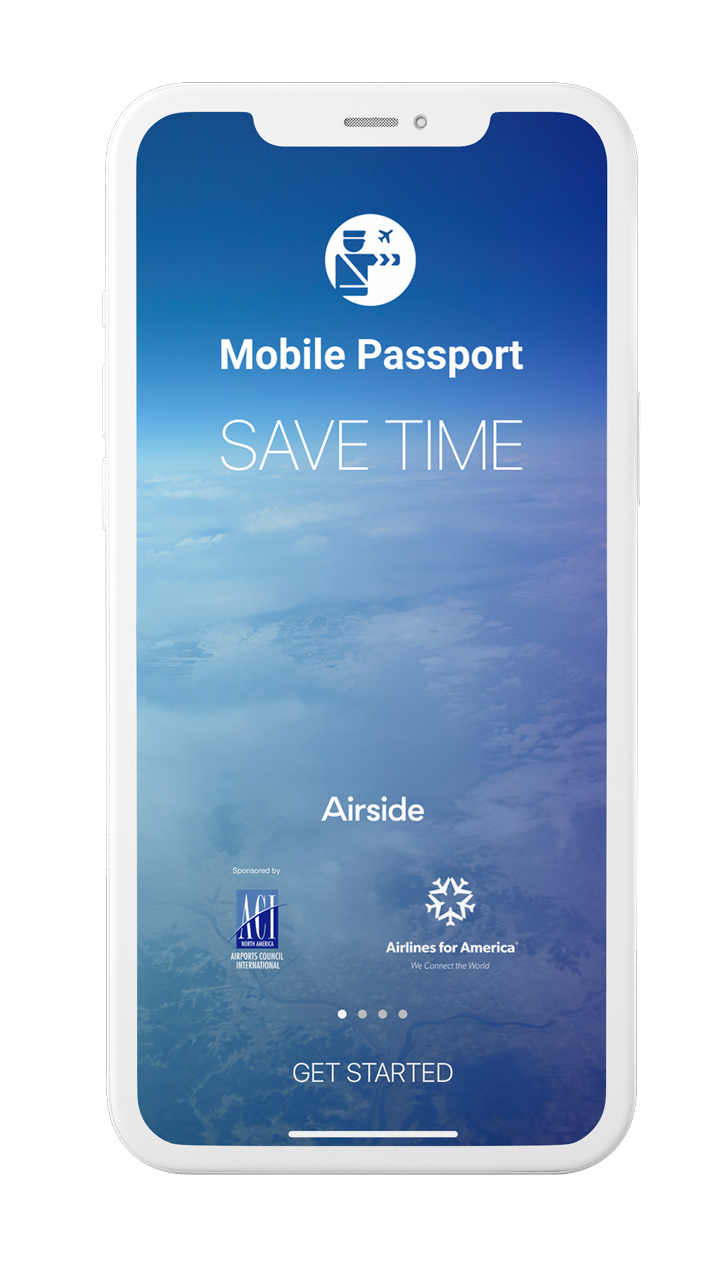
Mobile Passport makes airport security faster. It helps you skip long lines. First, download the Mobile Passport app. It’s available on most smartphones. Open the app and enter your details. Your name, passport number, and date of birth are needed. This makes check-in quick.
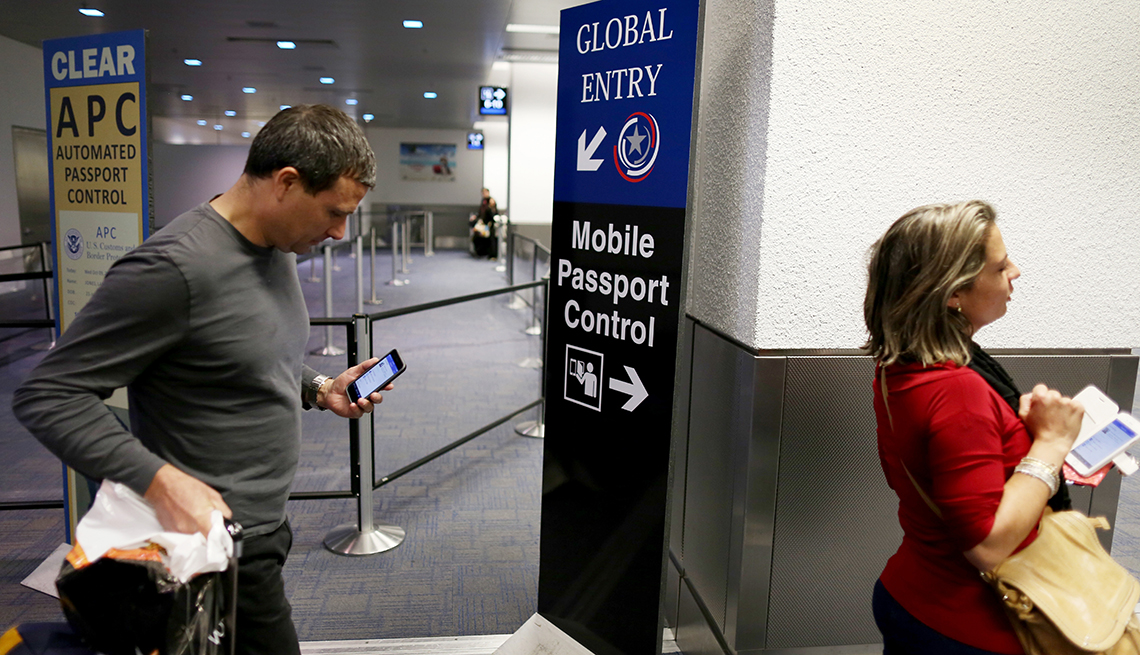
At the airport, follow signs for Mobile Passport Control. Show your phone to the officer. The app will have your information ready. The officer scans your phone. Then, you can go through. It’s that simple!
Mobile Passport is free. Some airports may have a special line. This can save a lot of time. Travel becomes easy and less stressful. Remember, always have your physical passport with you.
Credit: airsidemobile.com
Common Issues And Solutions
Sometimes, the app might crash while using it. First, check if the app is updated. Old versions often have bugs. Next, restart your phone. This can solve many small problems. If it still crashes, try reinstalling the app. This gives it a fresh start.
Forgotten passwords are common. Use the “Forgot Password” option. This will help reset your password. Ensure your internet is stable. Weak connections can cause trouble logging in. If issues persist, check if your account is locked. Contact support if needed.
Ensure your camera is clean. Dirt or smudges can affect scanning. Adjust the lighting around you. Too bright or too dark can hinder scanning. Hold your phone steady while scanning the QR code. This helps the app read it better.
Credit: www.ackahlaw.com
Frequently Asked Questions
How Much Does A Mobile Passport Cost?
The Mobile Passport app is free to download. However, the premium version, Mobile Passport Plus, costs $14. 99 annually. This version offers additional features like document storage. Always check for the latest pricing on official platforms, as it may change.
Who Is Eligible For A Mobile Passport?
U. S. citizens with a valid passport can use Mobile Passport. It’s available for iOS and Android devices. Frequent travelers will benefit from faster airport customs processing. Ensure your device supports the app before downloading. Mobile Passport is not a substitute for a physical passport.
How To Set Up A Mobile Passport?
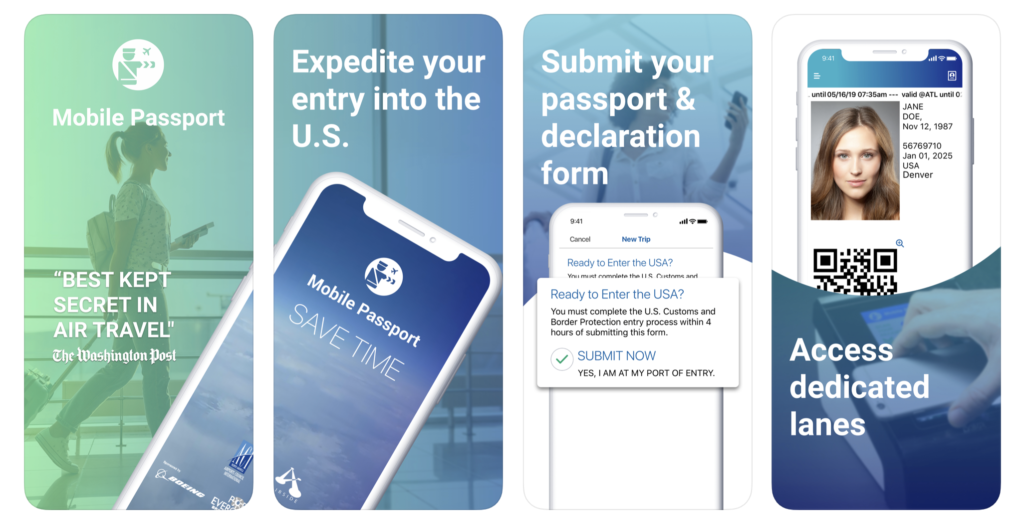
Download the Mobile Passport app from the App Store or Google Play. Create an account and enter your passport details. Complete the customs declaration form. Upon arrival, use the app to submit your information and receive a QR code. Present the QR code to the customs officer for expedited processing.
How Can I Get A Digital Passport?
Visit your country’s official passport website. Complete the online application form. Upload necessary documents and photos. Pay fees online. Schedule an appointment at your local passport office for verification. Once approved, receive your digital passport via email or online portal.
Ensure all provided information is accurate to avoid delays.
Conclusion
Getting a Mobile Passport simplifies your travel experience. This handy app saves time and reduces stress at customs. Quick setup and easy use make it a traveler’s friend. No more long lines. Just scan your passport and breeze through security.
Perfect for frequent flyers or family trips. Keep travel documents organized and secure. Enjoy smoother airport navigation with digital solutions. Embrace technology to enhance your journeys. Start today. Make traveling hassle-free with Mobile Passport. Download it now for a more relaxed journey.
Stay ahead in the travel game with efficient planning. Safe travels!