
Have you ever booked an Uber ride only to realize you need to cancel it quickly? Maybe your plans changed, or you found a better way to get there.
Whatever the reason, knowing how to cancel an Uber trip with your driver is important to avoid extra charges and frustration. In this guide, you’ll learn simple steps to cancel your ride smoothly and what to expect after you do.
Keep reading to take control of your Uber trips and save both time and money.
Canceling Trips On Uber
Trips on Uber can be canceled anytime before the driver arrives. Cancelling early helps avoid extra charges. If the driver is already on the way, a cancellation fee may apply. Always check your trip status to know if it is safe to cancel.
Uber has specific cancellation policiesbased on timing and location. Cancelling within a few minutes after booking usually means no fee. Waiting too long or canceling after the driver arrives can cause a fee. Fees help compensate drivers for wasted time.
| Timing | Cancellation Fee | Notes |
|---|---|---|
| Within 2 minutes | No Fee | Cancel right after booking |
| After 2 minutes, before driver arrives | Possible Fee | Depends on location and demand |
| After driver arrives | Fee Applies | Driver waited for you |

Credit: www.reddit.com
Steps To Cancel As A Rider
Open the Uber app to see your current trip details. Tap on the cancel buttonclearly shown on the screen. Cancelling before the driver arrives usually avoids a fee. The app may ask for a reasonto cancel. Select the best option and confirm your cancellation.
After the driver arrives, cancellation may lead to a fee. Tap the cancel buttonon the app. A warning about the fee will appear. Confirm if you still want to cancel. The driver will be notified immediately about the cancellation.
Canceling As A Driver
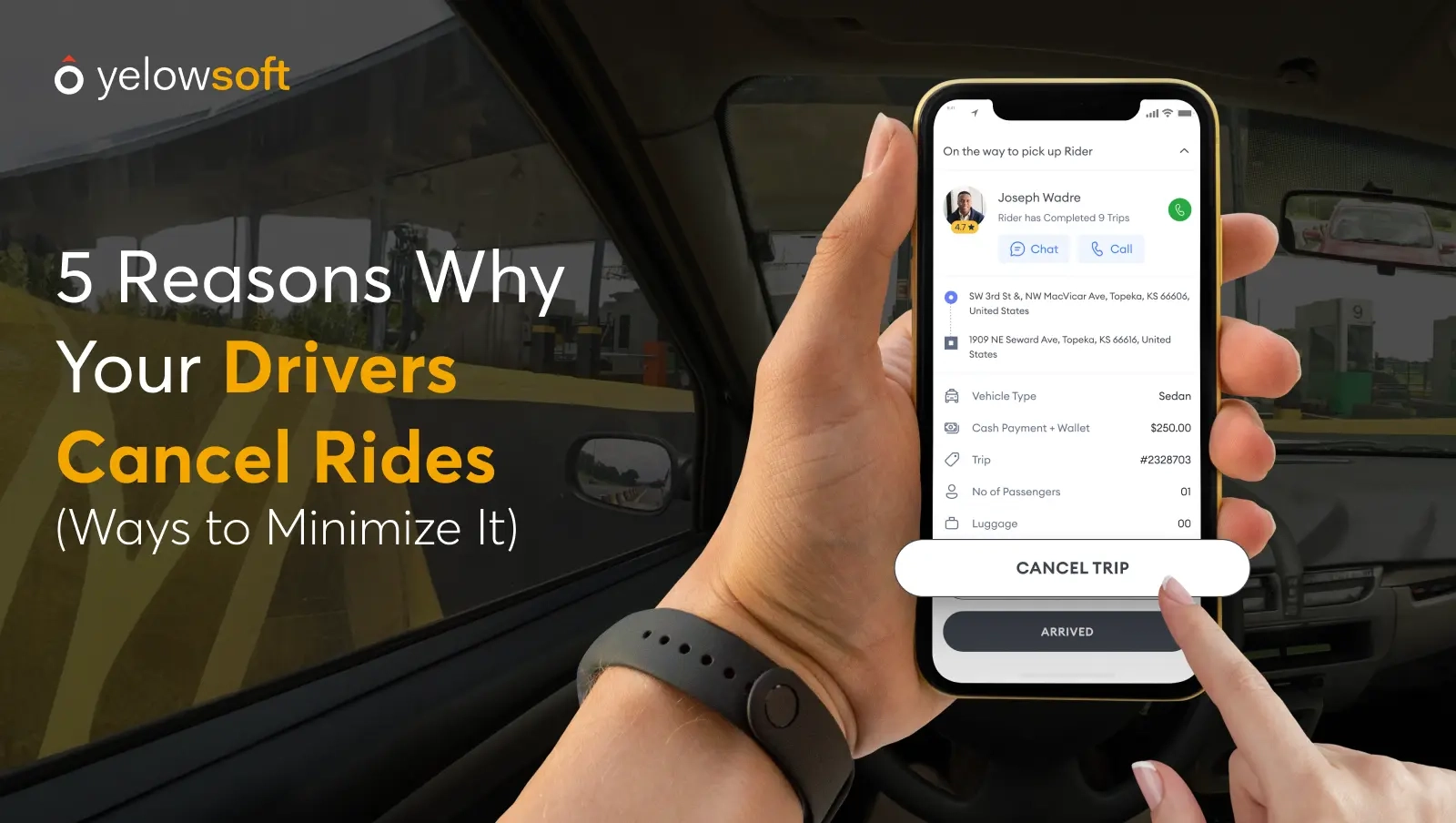
Drivers can cancel an Uber trip easily through the app by selecting the ride and tapping the cancel option. Canceling quickly helps avoid penalties and keeps the service efficient. Always confirm the cancellation to notify the rider immediately.
Drivers may need to cancel trips for several reasons. Safety concerns can arise, making it unsafe to continue. Sometimes, a rider does not show up on time. If a rider is too late, the driver might cancel. Unruly or rude behavior from a rider is another reason. A driver might also face an emergency situation. This could require them to cancel the trip. In some cases, the pickup location might be too far. Drivers must also consider their own health. Feeling unwell could lead to cancellation.- Open the Uber Driver app on your phone.
- Tap on the trip you want to cancel.
- Look for the “Cancel” button and press it.
- Choose a reason for cancellation from the list.
- Confirm your choice to cancel the ride.
Credit: www.yelowsoft.com
Potential Fees And Penalties
Cancellation feesmay apply if a rider cancels a trip after a certain time. Usually, riders get a short grace period to cancel without charges. Fees vary by city and type of ride. These fees help cover the driver’s time and effort.
Drivers rely on good ratings to get more rides. Cancelling trips too often can lower their rating. Low ratings might mean fewer ride requests. Drivers might also face penalties if they cancel rides frequently.
| Cancellation Fee | When It Applies | Impact on Drivers |
|---|---|---|
| $5 (example) | After 2 minutes of booking | Driver gets paid for lost time |
| Varies by city | Depends on local rules | Ratings may drop if frequent cancellations |
Tips To Avoid Unnecessary Cancellations
Clear communicationwith the driver helps avoid confusion. Send a message if you are late or need to change the pickup spot. Drivers appreciate knowing your exact location. This can prevent cancellations due to missed pickups.
Plan your trips ahead to save time and stress. Check the app for driver arrival times and traffic. Being ready when the driver arrives means fewer cancellations. Also, allow extra time during busy hours or bad weather.
Handling Cancellation Disputes
Contacting Uber support is the best way to solve cancellation issues. Use the app or website to reach them quickly. Explain your problem clearly and provide trip details. This helps them understand your case better.
Requesting refunds or fee waivers can be done after cancellation. You may ask for a refund if the driver canceled or did not show up. Fee waivers may apply for unfair charges.
- Open the Uber app and go to “Your Trips”
- Select the trip with the problem
- Tap “Help” and choose the issue
- Request a refund or fee waiver
- Wait for Uber to review and respond

Credit: www.reddit.com
Frequently Asked Questions
How Can I Cancel An Uber Trip With A Driver?
Open the Uber app, go to “Your Trips,” select the trip, and tap “Cancel. ” Confirm cancellation to stop the ride and avoid charges if within the grace period.
Will I Be Charged A Fee For Canceling An Uber?
Uber may charge a cancellation fee if you cancel after a few minutes or when the driver is already en route. Check the app for specific fee details.
Can I Cancel An Uber Trip After The Driver Arrives?
Yes, you can cancel after arrival, but a cancellation fee might apply. Always check the cancellation policy in your Uber app to avoid unexpected charges.
How Do I Notify The Driver When Canceling My Uber?
The Uber app sends an automatic cancellation notification to the driver when you cancel. No additional message is necessary unless you want to contact them directly.
Conclusion
Canceling an Uber trip with a driver is simple and quick. Follow the steps clearly to avoid extra charges. Always check the app for cancellation rules and fees. Acting fast helps prevent misunderstandings or unwanted costs. Knowing how to cancel gives you control over your ride.
Use this guide anytime you need to stop a trip. Stay calm and confident when handling your Uber rides. This way, you save time and money easily.