
Imagine cruising down the highway, the open road stretching out before you, while your favorite playlist streams seamlessly, and your kids are happily watching their favorite shows in the backseat. Sounds perfect, right?
But wait—how do you ensure that uninterrupted WiFi experience in your car? Whether it’s for navigating the GPS, keeping your passengers entertained, or staying connected with work emails, having WiFi during your road trip can transform your journey from mundane to marvelous.
Don’t let the fear of losing connectivity hold you back. In this guide, you’ll discover simple, effective ways to get WiFi in your car, ensuring every mile is filled with convenience and connectivity. Dive in and learn how to turn your vehicle into a mobile hotspot, making your road trip not just a journey, but an experience.
Benefits Of In-car Wifi
In-car WiFi keeps everyone happy. Kids can watch their favorite shows. Adults can check maps and stay updated. It makes long trips fun. No more boring road trips. Everyone stays connected. It’s easy to share photos and videos online. Friends can see your journey. No missing important emails. Work can continue on the go. WiFi lets you play games and listen to music online. It’s like having the internet at home. Safety is improved too. Access maps and traffic updates quickly. Help is always nearby in case of emergencies.
Choosing The Right Device
Portable hotspots are small gadgets. They are easy to carry. These devices connect to the internet. They work like magic. You just need a SIM card. Many people use them for road trips. They provide internet on the go. They have batteries. This means they can work without power. Some models are very affordable. Check data plans before buying. Choose one that fits your needs.
Some cars have built-in WiFi systems. These are perfect for families. They connect to the car’s battery. This means they do not run out of power. They offer strong internet connection. They are very reliable. No need to worry about losing signal. These systems are great for long trips. They are more expensive than hotspots. But they provide constant internet access.
Smartphones can share their internet. This is called tethering. It’s a simple way to get WiFi. Most smartphones have this feature. You just need to turn it on. Your phone becomes a mini WiFi spot. It uses your mobile data. Be careful with data limits. Too much use can increase your bill. It’s a quick and easy option. But it drains phone battery fast. Always keep a charger handy.
Data Plans And Costs
Enjoy seamless internet during road trips by exploring car wifi options. Choose data plans that suit your usage needs and budget. Compare costs and features to find the best fit for a smooth online experience on the road.
Unlimited Data Plans
Unlimited data plansare great for road trips. You can use the internet without worrying about limits. Many companies offer these plans. They can be a bit expensive. Look for discounts or special offers. Always check the coverage area. Make sure it covers your travel route. Some plans might slow down after using a lot of data. Read the terms carefully before choosing.
Pay-as-you-go Options
Pay-As-You-Go plansare flexible. You pay only for the data you use. No monthly bills. Perfect for short trips or occasional use. These plans are often cheaper than unlimited options. You can find them at many phone carriers. Make sure to check the rates. Some plans charge more for extra data. Choose a plan that fits your needs and budget.
Family Share Plans
Family share planslet everyone use the same data. One plan for the whole family. It’s cost-effective. You share the data with family members. Everyone gets a little data. Some plans allow you to add extra data. Great for families who travel together. Check the terms before signing up. Ensure it fits your family’s needs. Sharing data can save money.
Installation Process
A simple DIY installation is possible. Start with a portable hotspot device. It’s small and easy to use. Plug it into your car’s power outlet. Connect it to your phone. Now, your car has wifi. Most devices come with setup instructions. Follow them closely for best results. Keep your phone and hotspot charged. This ensures continuous connectivity.
Professional installation offers more features. A technician installs a permanent wifi router. This device gets power directly from the car. It provides a stable connection. Many car dealerships offer this service. They handle all the setup for you. It’s more reliable but costs more. Consider it for longer road trips.
Connectivity In Remote Areas
Signal boosters make your car’s internet stronger. They help when the signal is weak. You can still browse and chat. Boosters are small and easy to use. Place them near your car’s antenna. They catch signals from far away. This helps you stay connected. Even in places with bad signals.
Downloading maps before you travel is smart. Store music and movies on your phone. Use apps that work without internet. This keeps you entertained on the road. Offline tools save battery too. No need to worry about losing connection. Plan ahead for a happy trip. Make sure you download everything you need. Then enjoy your journey without stress.

Credit: www.amazon.com
Safety And Security
Using a secure networkin your car is very important. Always use passwordsfor your wifi. Change your password often. This keeps your network safe. Avoid public wifi networks. They can be risky.
Protect your data privacyduring road trips. Turn off sharing options on your devices. This limits what others can see. Use a VPNfor extra safety. It hides your online activity. Keep your software updated. Updates fix security holes.
Maximizing Wifi Usage
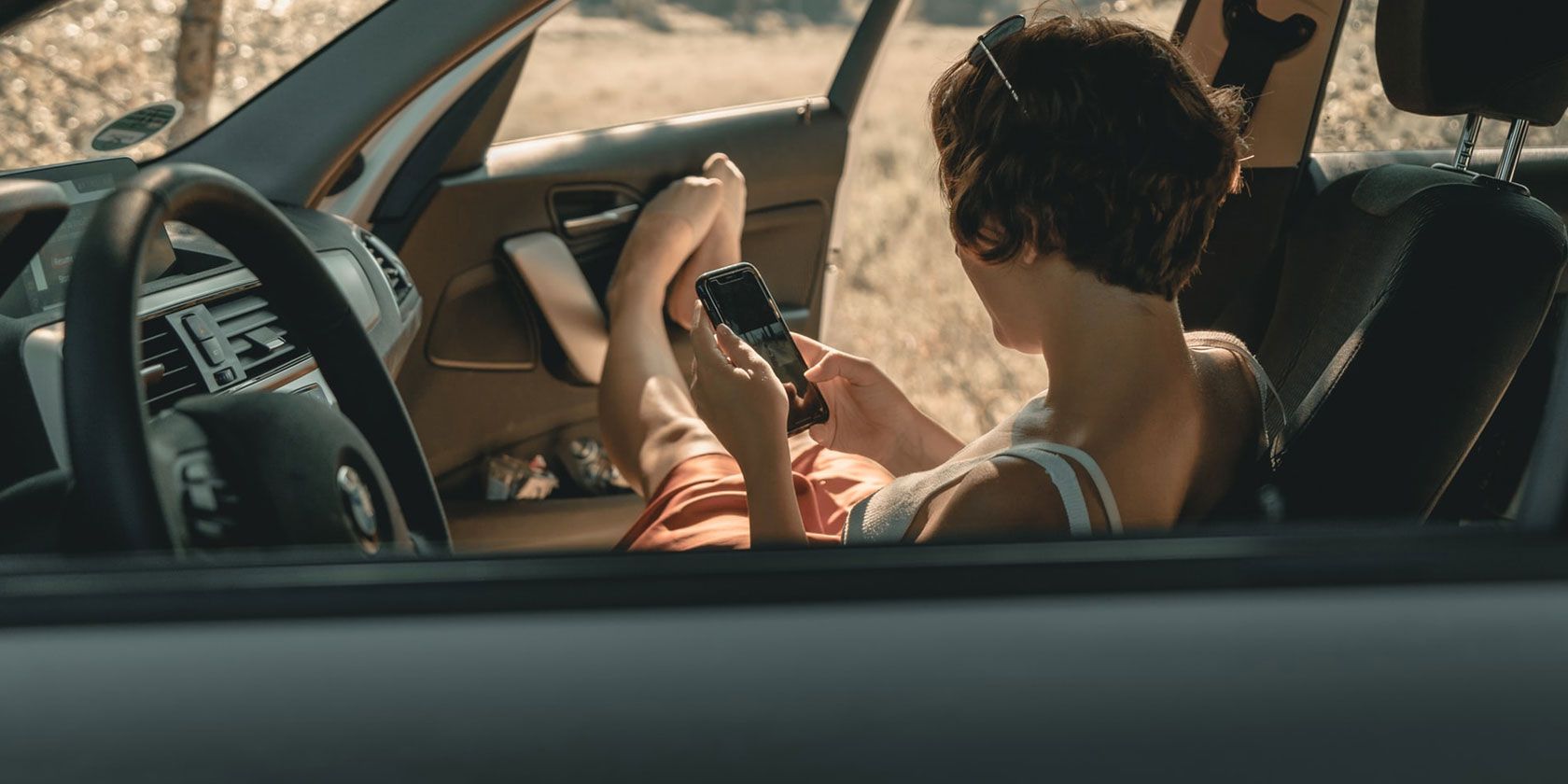
Watch movies and shows during trips. Stay entertained on long drives. WiFi lets everyone stream their favorite content. Listen to music, podcasts, or audiobooks. Buffer-free streaming keeps everyone happy. Kids love cartoons and games. Parents enjoy documentaries and news. Together, enjoy endless fun.
Get directions with ease. WiFi helps find the fastest routes. Check traffic updates instantly. Find restaurants and gas stations nearby. Maps show shortcuts and avoid delays. Voice-guided navigation keeps eyes on the road. Safety is important. Always know where you are going.
Work on projects while traveling. Emails and meetings happen anywhere. WiFi connects to the office. Use apps for planning and organizing. Share documents with colleagues. Finish tasks before arriving at destinations. Stay productive without missing deadlines. Business on the go is possible.
Credit: www.makeuseof.com
Troubleshooting Common Issues
Sometimes, the WiFi in the car doesn’t connect. Check if the WiFi signal is strong. Weak signals can cause connectivity problems. Move closer to the WiFi source. This might help.
Another issue is the WiFi password. Ensure you have the correct password. Re-enter it carefully. Check for typing mistakes. Wrong passwords stop the connection.
Some devices may not work with car WiFi. Check your device’s settings. Make sure it supports the WiFi type. Older devices may not be compatible. This can cause connection issues.
Update the device software if needed. Updates can fix bugs. They help with compatibility. If problems persist, consult the device manual. It may have more solutions.
Credit: esim.holafly.com
Frequently Asked Questions
How Can I Install Wifi In My Car?
You can install WiFi in your car using a mobile hotspot device or a built-in car WiFi system. Mobile hotspots are portable and connect to your cellular network. Built-in systems are integrated into the car and offer a seamless internet experience.
Consider your budget and connectivity needs when choosing a solution.
Is Car Wifi Reliable For Road Trips?
Car WiFi is generally reliable, especially if using a strong cellular network. Coverage may vary based on location. Areas with poor cellular reception may affect connectivity. Ensure your data plan supports your usage needs. Regularly check for updates or troubleshoot issues for consistent connectivity during road trips.
What Is The Cost Of Car Wifi?
The cost varies based on the chosen solution. Mobile hotspot devices range from $50 to $200. Built-in car WiFi systems may have higher installation costs. Consider monthly data plan fees, which depend on usage and network provider. Evaluate upfront and recurring costs to find a suitable option for your budget.
Can I Use My Phone For Car Wifi?
Yes, you can use your phone as a mobile hotspot for car WiFi. Enable the hotspot feature in your phone settings. Connect other devices to your phone’s network using WiFi. Ensure your data plan supports hotspot usage to avoid additional charges.
This method is convenient and cost-effective for short trips.
Conclusion
Taking a road trip is exciting. Staying connected makes it better. Choose the right wifi option for your car. Portable hotspots are easy and flexible. Built-in car wifi offers seamless connectivity. Smartphone tethering works in a pinch. Consider your needs and budget.
Test the signal before hitting the road. Enjoy music, maps, and updates on the go. Stay informed and entertained. Wifi in your car enhances your journey. Make the most of your adventure with reliable internet. Happy travels!